Specifying elements in CLAD
Before you can start eliciting constructs, you have to specify elements that you wish to investigate. You have to do it in two steps.
Specify the number of elements
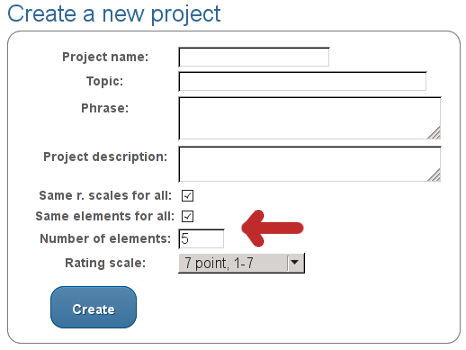
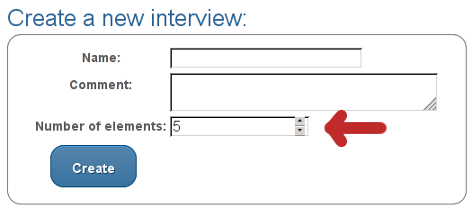
In the first step, you have to enter the number of elements. You can do so either while creating a new project, or while creating a new interview. That depends on the selection of the option in “Create a new project” section where you indicated that you want interviews to share common elements or not.
Specifying the number of elements in case all interviews in a project share common elements.
Determining the number of elements in case you want to specify elements on per interview basis.
Add the elements
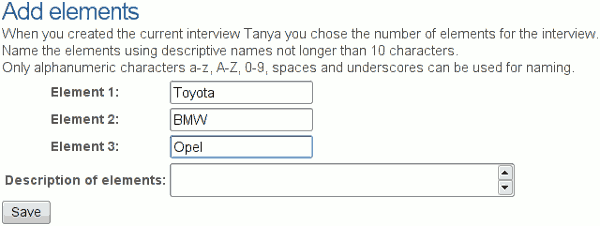
In the second step, you add elements to your project or interview. The picture below shows an example of adding various car brands as elements.