Handling constructs in CLAD
Adding, selecting, editing, and deleting constructs count as basic procedures in CLAD. You can perform these actions by clicking on the corresponding command on the right side of the page.
Add a new construct
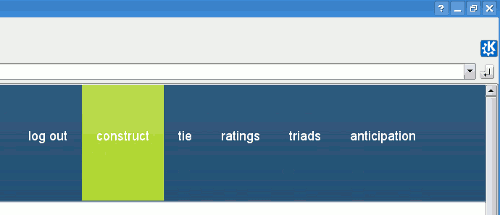
Because the “Add a construct” command is usually performed many times during an interview, a shortcut to this command is provided in the top menu.
When you click on the “Add a new construct” command, the page providing basic information about the interview is displayed.
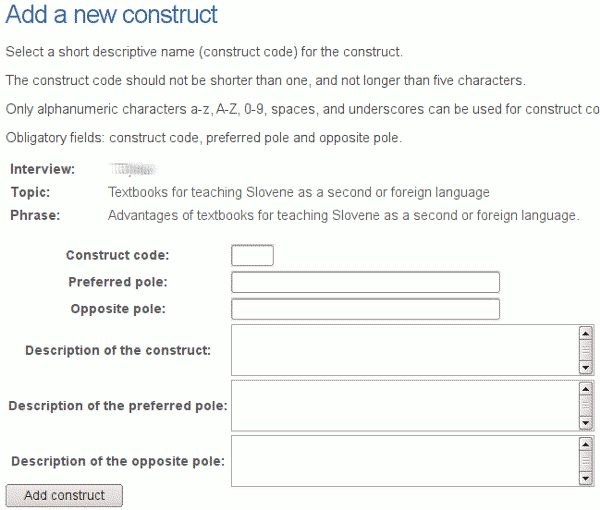
This section contains the following fields:
- Construct code: A short code for the construct. The length of the code is limited to five characters. Such strict limitation of the length of the code is necessary to draw a nice looking graph.
- Preferred pole: A label for the preferred pole of the construct.
- Opposite pole: A label for the opposite pole of the construct.
- Description of construct: An optional description of the elicited construct, or a comment.
- Description of preferred pole: An optional description of the preferred pole of the elicited construct.
- Description of opposite pole: An optional description of the opposite pole of the elicited construct.
Select a construct
To perform further actions, to edit or delete a construct, you have to select a construct first.
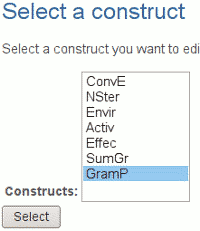
In certain commands like “Add ratings”, the last inserted construct is auto-selected. If this is not what you want, you have to select it manually to override auto-selection.
Edit the selected construct
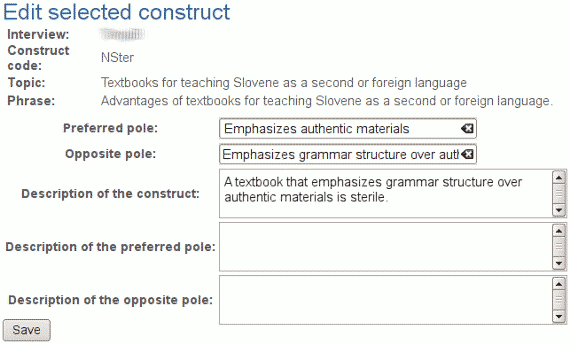
You can edit properties of a construct, like labels of preferred and opposite pole of the construct. You can not, however, modify the construct code.
Delete the selected construct
You can delete the selected construct using “Delete the selected construct” command. The command will display certain data connected to the selected construct. If you select the “Delete” option and execute the command, the construct will be permanently deleted from the database.
Please note that all ties leading to the selected construct, and all ties leading from selected construct to other constructs will be removed as well.